
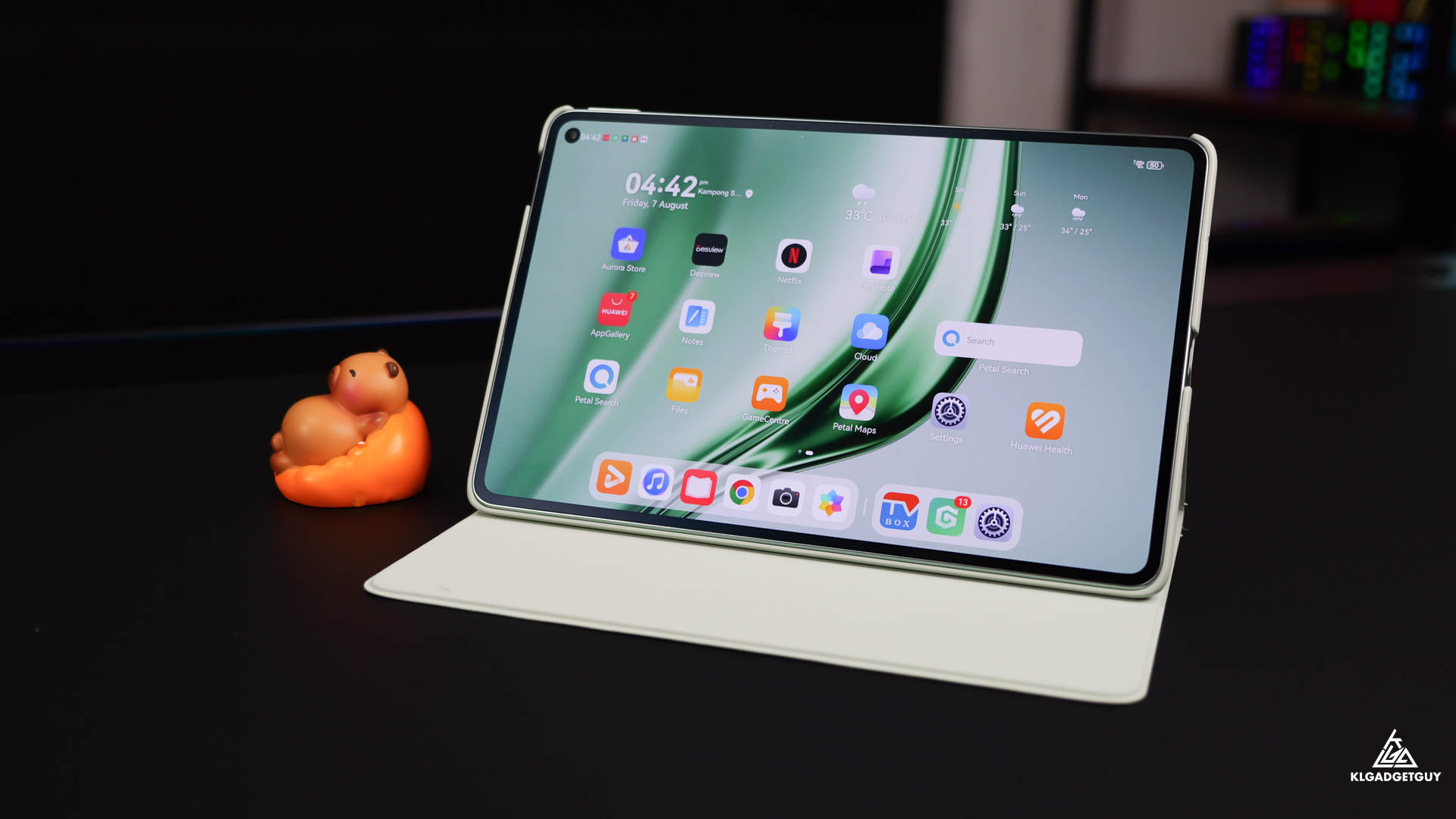
When it comes to small tablets, naturally one would just refer to the iPad mini, which has long been one of the best choices in the tablet market if you want a small sized media and productivity tablet.
However, the iPad mini is unfortunately a very expensive small tablet that simply doesn’t justify its value, let alone its dated looking 8.3-inch display and 60Hz refresh rate, which is why I am glad to have come across the Huawei MatePad Mini, which costs the same as the iPad mini but comes with a larger yet higher quality display, while measuring and weighing significantly thinner and lighter.
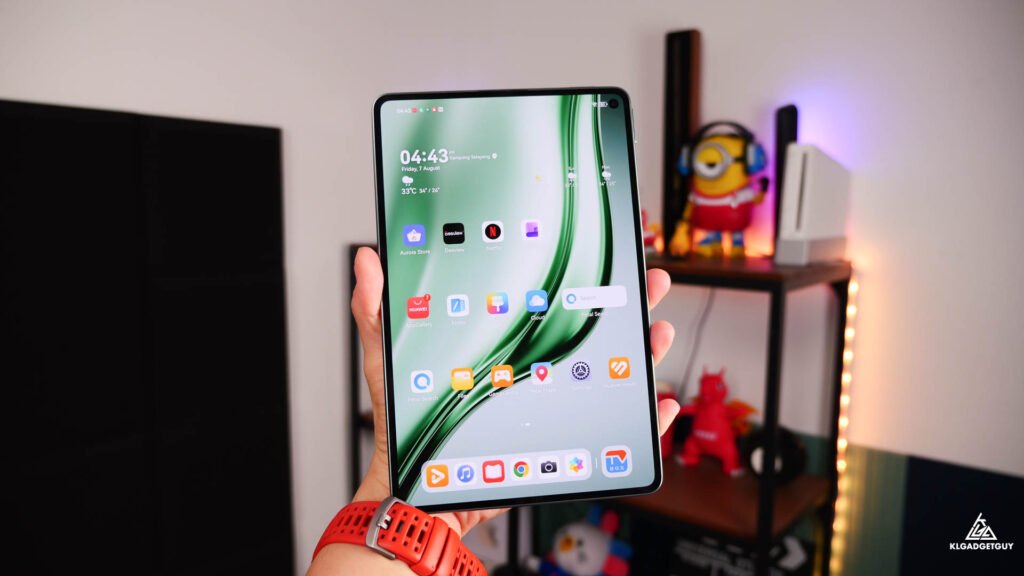
Size and weight definitely matters when you own a small tablet, which otherwise you would have just gone for a larger screen anyway, the MatePad Mini delivers excellent portability with a 5.1mm body profile and 255g weight, while equipped with a 8.8-inch screen with super slim bezels, it has almost the same dimensions as the iPad mini while being slightly taller due to its 16:10 aspect ratio.
The MatePad Mini’s 8.8-inch display is an absolute joy for long hour reading or hours of binge watching movies all thanks to its PaperMatte display coating, which diffuses light and reflections to give it a comfortable viewing experience even at the highest brightness, it also retains great visibility when used outdoors which isn’t common on regular tablet screens, while the matte surface offers a paper-like writing experience when paired with Huawei’s M-Pencil active stylus.
On top of that, the MatePad Mini absolutely destroys the iPad mini with its Flexible OLED display that boasts a 2.5K resolution and 120Hz refresh rate, in which you get to stream HDR content with excellent dynamic range, contrast and deep blacks that not many other tablets of the same price range can offer, while that fast refresh rate means you don’t feel the tablet lagging behind when you need to quickly scroll through a long web article.
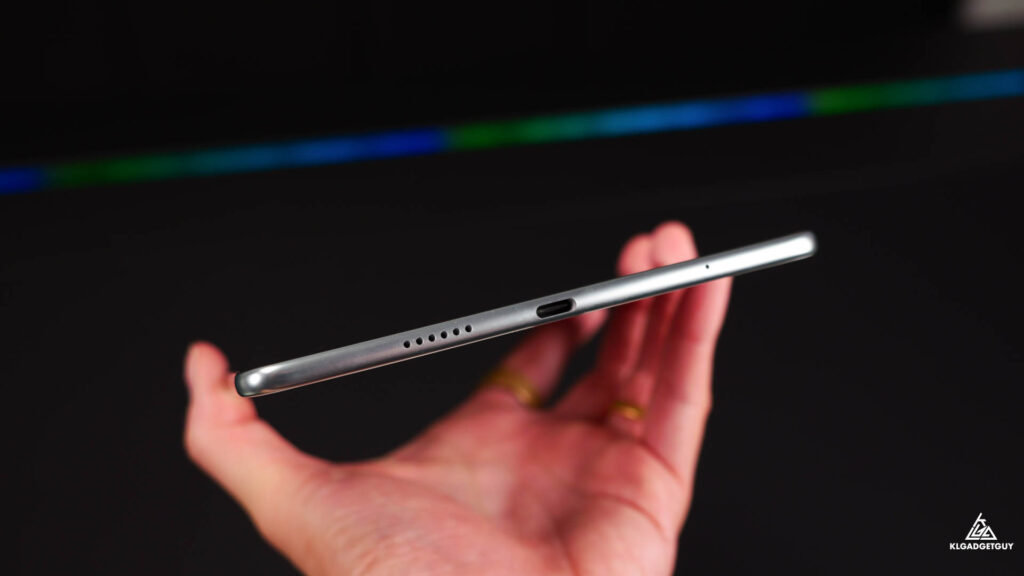
Having a small screen doesn’t mean you need to compromise on tiny speakers, while the MatePad Mini only came with a pair of stereo speakers, Huawei’s Histen sound processing helped deliver a wide soundstage that can easily fill a room when the volume is maxed out, the speakers don’t sound too bassy but at least delivered crisp vocals and acoustics, which I have certainly enjoyed streaming some of my favorite jazz music on them.
During the review period, the MatePad Mini isn’t just my media consumption device but also a lightweight productivity device. While most people have been worried about Huawei devices not able to support Google apps, the company has long provided an alternative solution by integrating MicroG, which essentially replaces official Google Play Services and still allows you to sign in to your Google account securely, apps such as ChatGPT, Google Drive, YouTube, Google Maps and Microsoft 365 worked flawlessly, while the only issue here is that you will have to manually update them over a third-party app store like Aurora Store, as Huawei’s AppGallery can occasionally pull updates from outdated third-party sources.
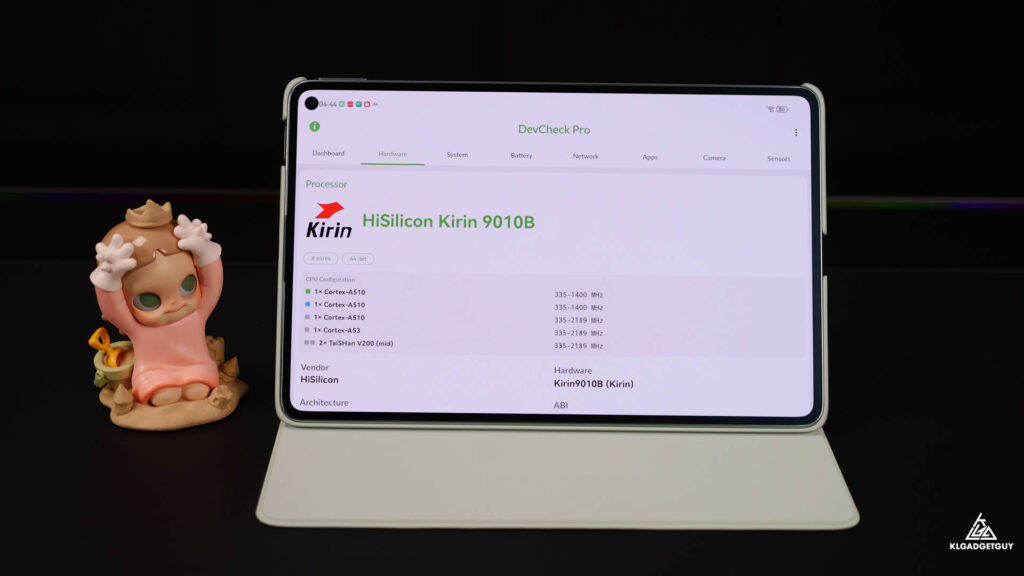
Performance of the MatePad Mini is decent with the Kirin 9010 chipset, which performs similarly to the Pura 80 series flagship phone, there’s only some slight stutter after using for extended periods due to its limited 8GB RAM, but otherwise you shouldn’t find any major hiccups when using moderately.
The MatePad Mini has a decent sized 6400mAh battery that will easily deliver days of standby and even if used moderately with an average 3-hour screen on time per day, it will require a charge on the third day and topping up the battery is effortless with 66W Huawei Super Charging, though to achieve that you need to use the in-box charger and cable, as regular USB PD charging will limit the charging wattage to 22.5W.
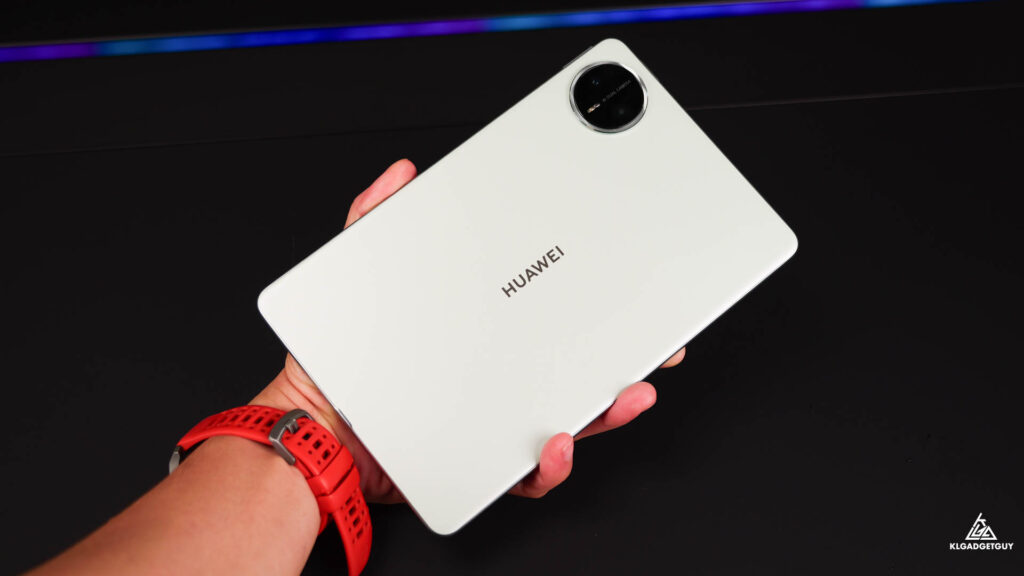
Retailing for RM2399, the Huawei MatePad Mini PaperMatte Edition is a great choice if you are in the market for a premium small tablet for consuming media and lightweight productivity, though before you rush off to the store to buy one, make sure the app you intend to use on the tablet can run without Google’s SafetyNet, while there’s no need to worry about Malaysian banking apps as you can download them from Huawei AppGallery, which the majority of them are optimized for safe use on Huawei devices.