
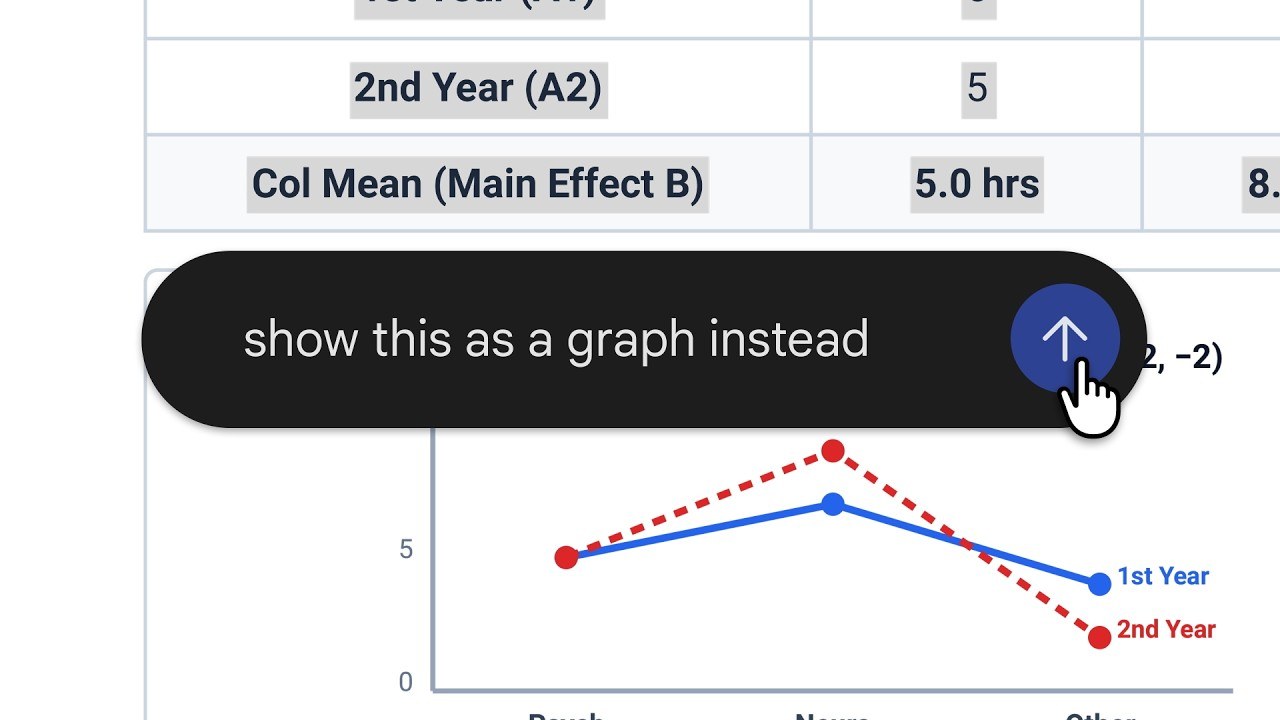
Google is turning Gemini’s chat window into a lightweight file workspace. The assistant can now create documents, PDFs, slide decks, spreadsheets and code, show a preview inside the conversation and accept targeted edits without forcing users to jump between separate apps.
The change matters because AI-generated files have often involved an awkward loop: prompt for content, export it, inspect the result elsewhere, then return to the chatbot for corrections. Gemini’s new full-screen preview keeps more of that process in one place.
Create, inspect and revise in the same conversation
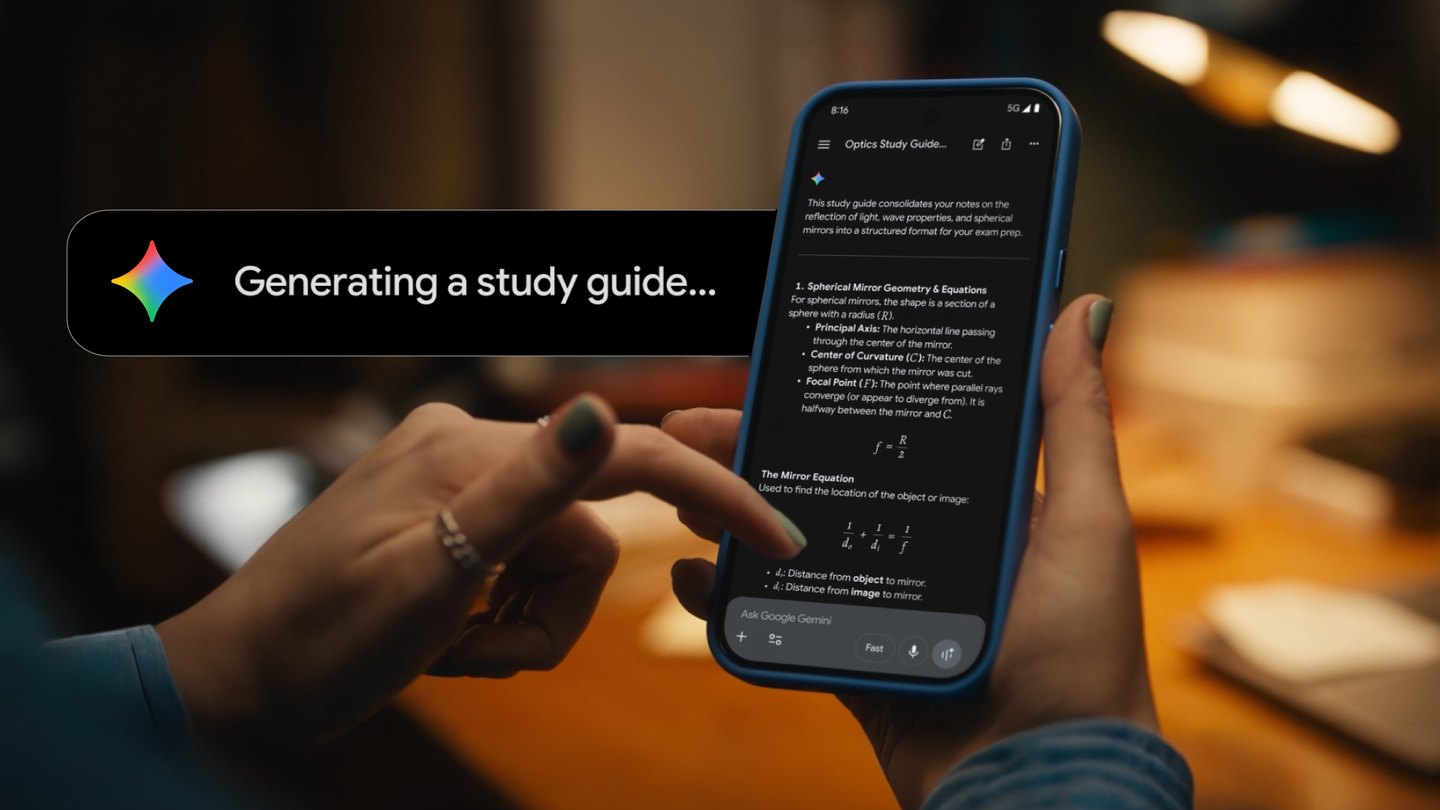
In the new workflow, a user can ask Gemini to build a presentation, draft a formatted document or produce a spreadsheet. The result opens in an interactive preview where text or a specific section can be highlighted for changes. Users can also continue prompting Gemini to refine the entire file.
Google says PDF creation and editing are available on both the web and mobile Gemini apps, while the other file types are initially web-only. The feature is rolling out to all users and supported languages, rather than being limited to a paid Workspace tier.
Workspace users get a broader set of formats
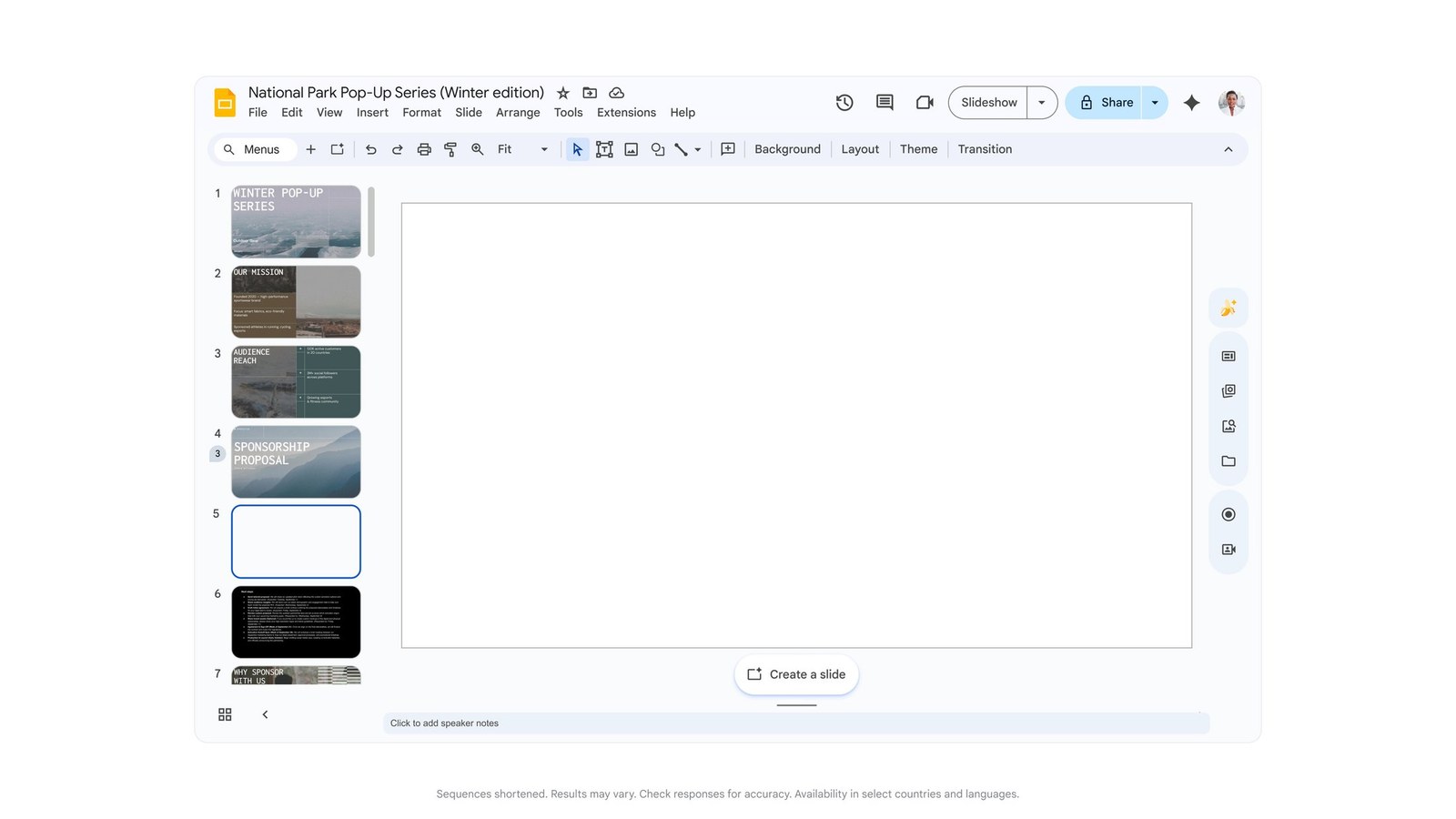
Google’s Workspace release notes say Gemini can produce slide decks, Sheets, Docs-compatible documents, LaTeX, Markdown, plain text and code files. The rollout covers Workspace customers, Workspace Individual subscribers and personal Google accounts, with no administrator control required for the feature.
That breadth could make Gemini more useful for routine work such as turning an outline into a briefing deck, converting notes into a PDF or creating a first-pass spreadsheet structure. It may also reduce formatting friction for students and small teams that do not need a full design or publishing workflow for every task.
Generated files still need a human check
The convenience does not remove the usual limitations of generative AI. Facts, formulas, citations, chart labels and document structure can still be wrong or misleading, particularly when a prompt is vague or source material is incomplete. Google is describing a capability, not guaranteeing that every generated file is accurate or ready to send.
Users should review formulas in spreadsheets, verify claims in documents and check slide layouts on the device that will present them. Sensitive company or personal information also deserves care: consider account policy, sharing permissions and whether the material should be uploaded to an AI service at all.
For Malaysian users already working in Google Drive, the most valuable part may be the shorter revision cycle rather than the first draft. Being able to point at a weak paragraph or slide and request a specific fix is a more practical step forward than simply generating another block of text.
Source: Google