
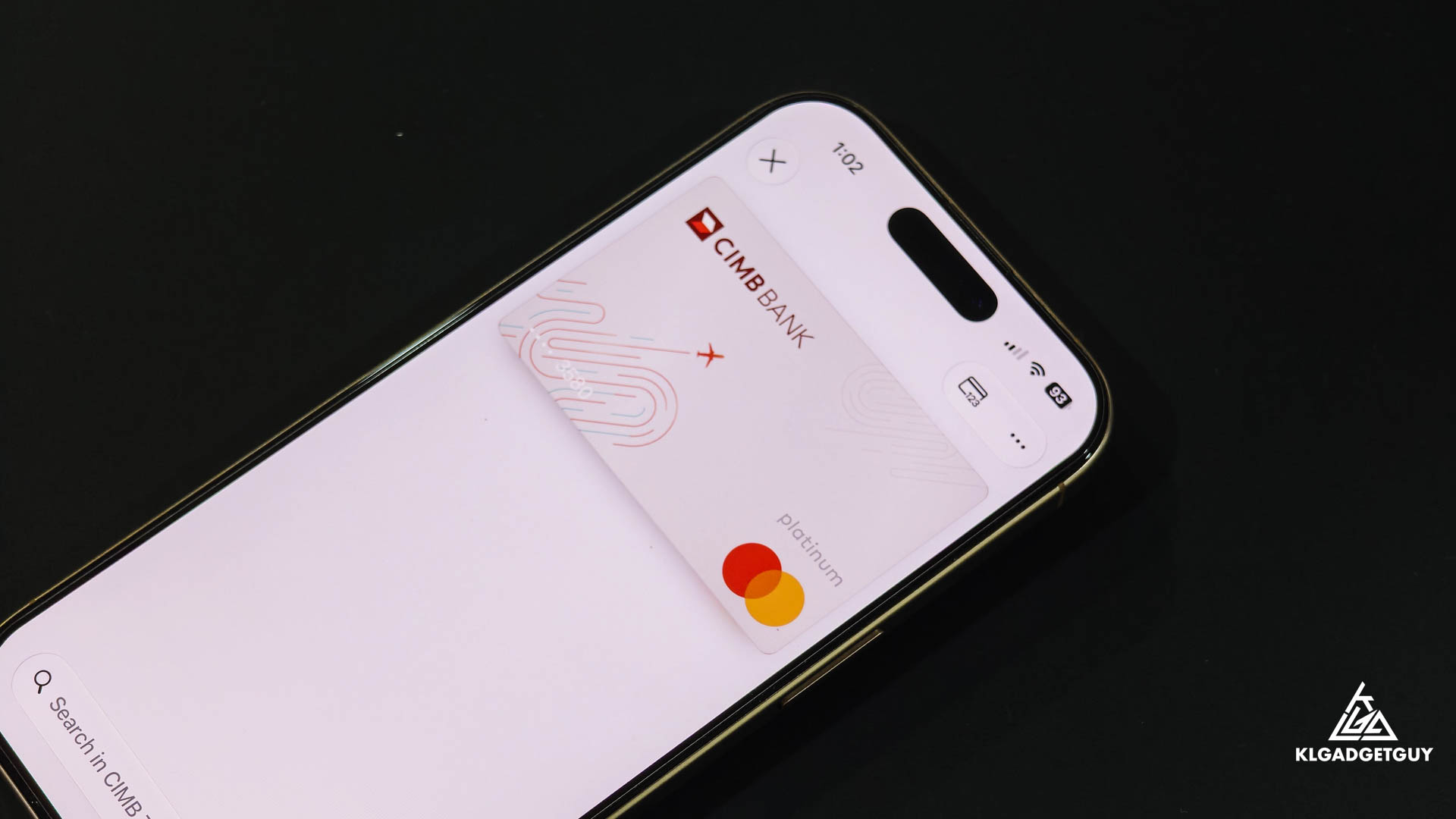
If you have been eager to use your CIMB Bank credit card on your iPhone, the time has come as the bank has officially announced that you can now add selected credit cards to Apple Pay, though debit card users are sadly left out at this time.
Adding a CIMB Bank credit card is as simple as using the CIMB OCTO app, you will find the familiar Add to Apple Wallet button in your credit card dashboard which will lead you to the setup wizard, and with a few clicks, you will have your credit card added to your Apple Wallet, it can also be added to other Apple devices you own such as a Mac and Apple Watch, this allows you to make purchases securely over your iPhone by just tapping on the credit card terminal.
However, do take note that the Petronas Visa Infinite-i, Petronas Plantium-i, Plantium Business and Fuel Tanker cards aren’t supported, hence don’t be surprised if you don’t see that button if you are using one of them. CIMB also mentions that users can only add each card to a maximum of five devices, and if you switch to a new device, you are required to activate the card again on Apple Pay.

For a limited time till 14 September 2026, CIMB Bank credit card customers that make payment using Apple Pay can get up to RM118 cashback as an introductory offer to get everyone onboard.