

Unlike buying a smartphone, choosing the right laptop can be an even more challenging task, especially when it comes to dealing with hardware specifications and form factor, it just isn’t straightforward as choosing a smartphone given that vast amount of laptop models in the market. Rather than asking what’s the best laptop to go for in the market, the right question to ask is what you want to do with it and how you can take advantage of its features. Therefore, the Microsoft Surface family of computing devices keep things simple and straightforward, and we will explain which Microsoft Surface device you should go for.
Microsoft Surface Laptop – The Comfortable Laptop for Everyone with 14 hours of battery life
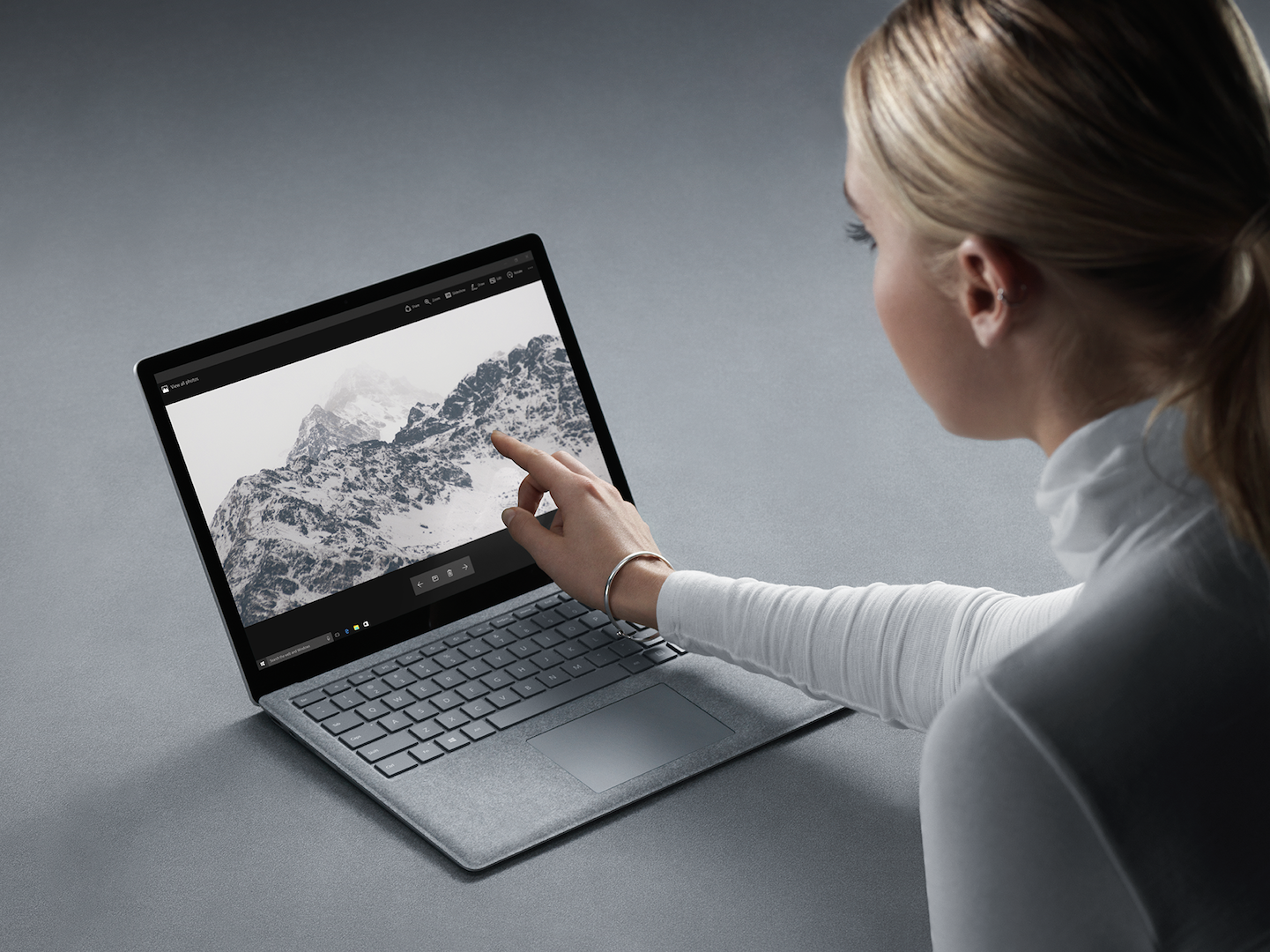 Not everyone needs a 2-in-1 laptop and nobody wants a clunky computing device these days. Comfort is what the Surface Laptop aims to offer, which the first thing you will notice is the Alcantara material on the working area that lets you rest your palm comfortably, there’s also the high resolution 13.5” PixelSense display that soothes your eyes when viewing images and text.
In terms of aesthetics, the Surface Laptop is a reasonably lightweight laptop at 1.25kg, which you won’t find it weighing down your shoulder as you travel with it, not to forget to mention that you can most certainly leave the charger at home as the Surface Laptop could endure up to 14 hours of usage on a single charge.
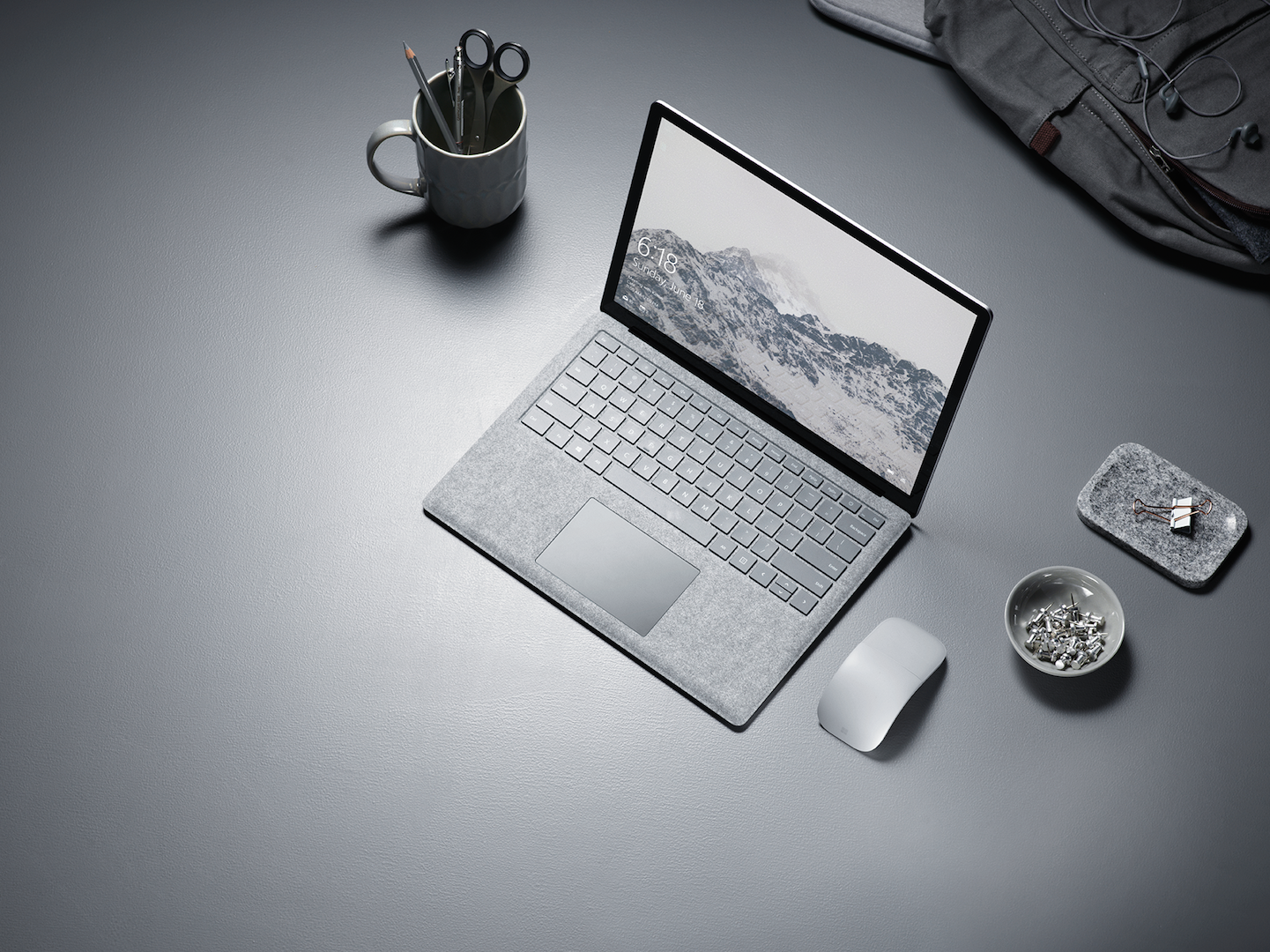 A comfortable computing experience also shouldn’t be limited with performance either, the Surface Laptop can be purchased with up to an Intel Core i7 processor, up to 16GB of RAM and 1TB of solid state storage. The Surface Laptop also doesn’t compromise on its entertainment features, as it sports a pair of Omnisonic Speakers with Dolby Audio Premium to compliment the high-resolution display. Lastly, the Surface Laptop doesn’t require you to enter your PIN or password every time you wake it up from standby, as it supports facial recognition using Windows Hello.
Microsoft Surface Pro – The Versatile Computer for Everyone
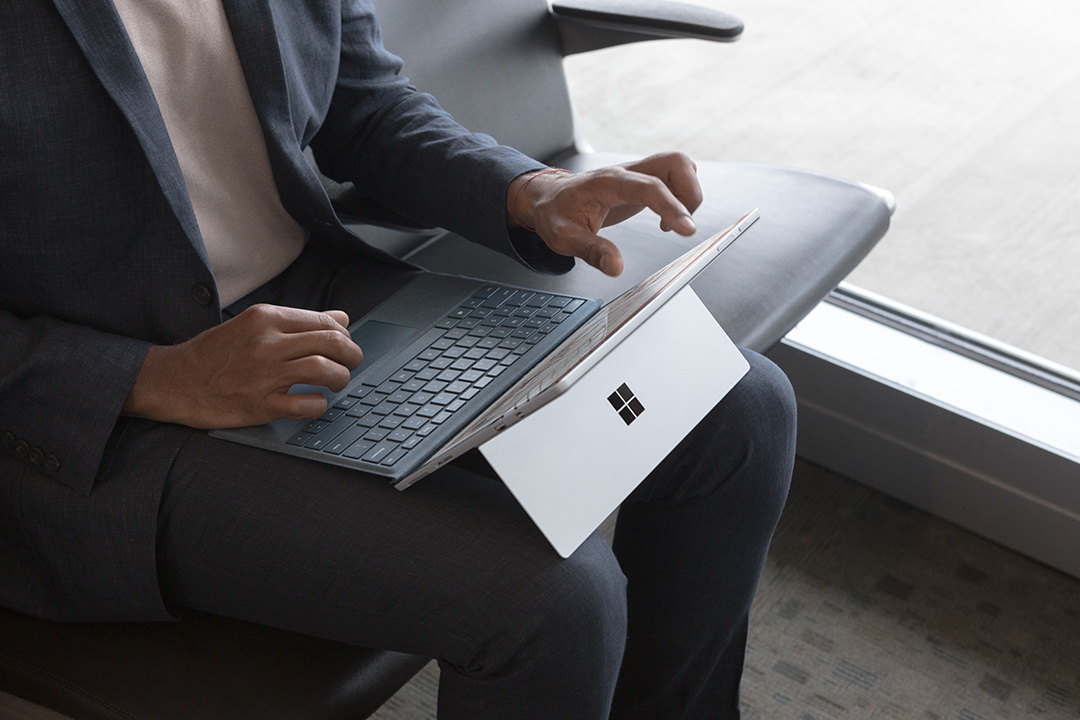 Whether you decide to get creative or productive, the Surface Pro is the portable computer that allows you to do draw that awesome masterpiece or conquer your e-mails. There’s a reason why it isn’t exactly called a laptop or a tablet because it can be both all thanks to a detachable keyboard cover, the sturdy kickstand also lets you use the device in any various modes depending on your workspace. With a mere weight of 768g, the Surface Pro is the lightest 12-inch Windows computer of its range, and you will be impressed with its high-resolution PixelSense display that accepts 4096 of stylus pressure level, which you will be able to draw, shade and scribble with the Surface Pen on it as if it is a piece of paper.
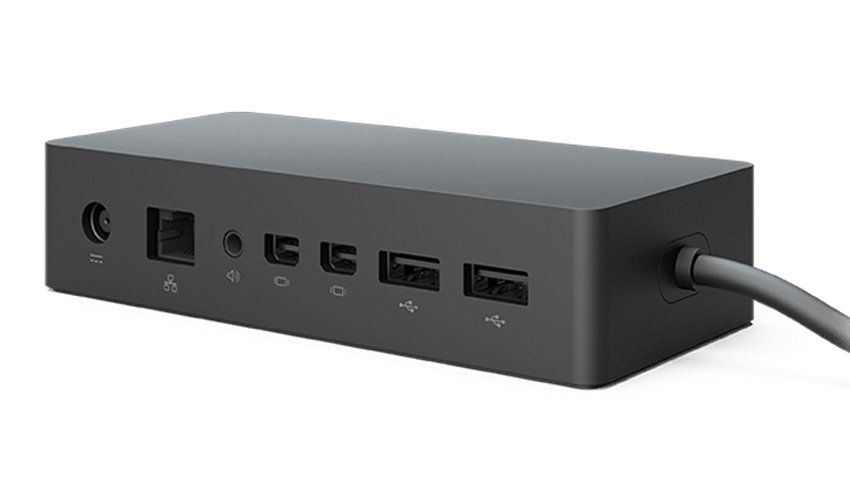
Unlike a typical tablet, the Surface Pro can run full blown Windows 10 apps and can be expanded with more ports with the optional Surface Dock, which will come with five extra USB 3.0 ports, two Mini DisplayPorts, a Gigabit Ethernet port and an audio port. If you require more storage, just pop a MicroSD card into its card reader.
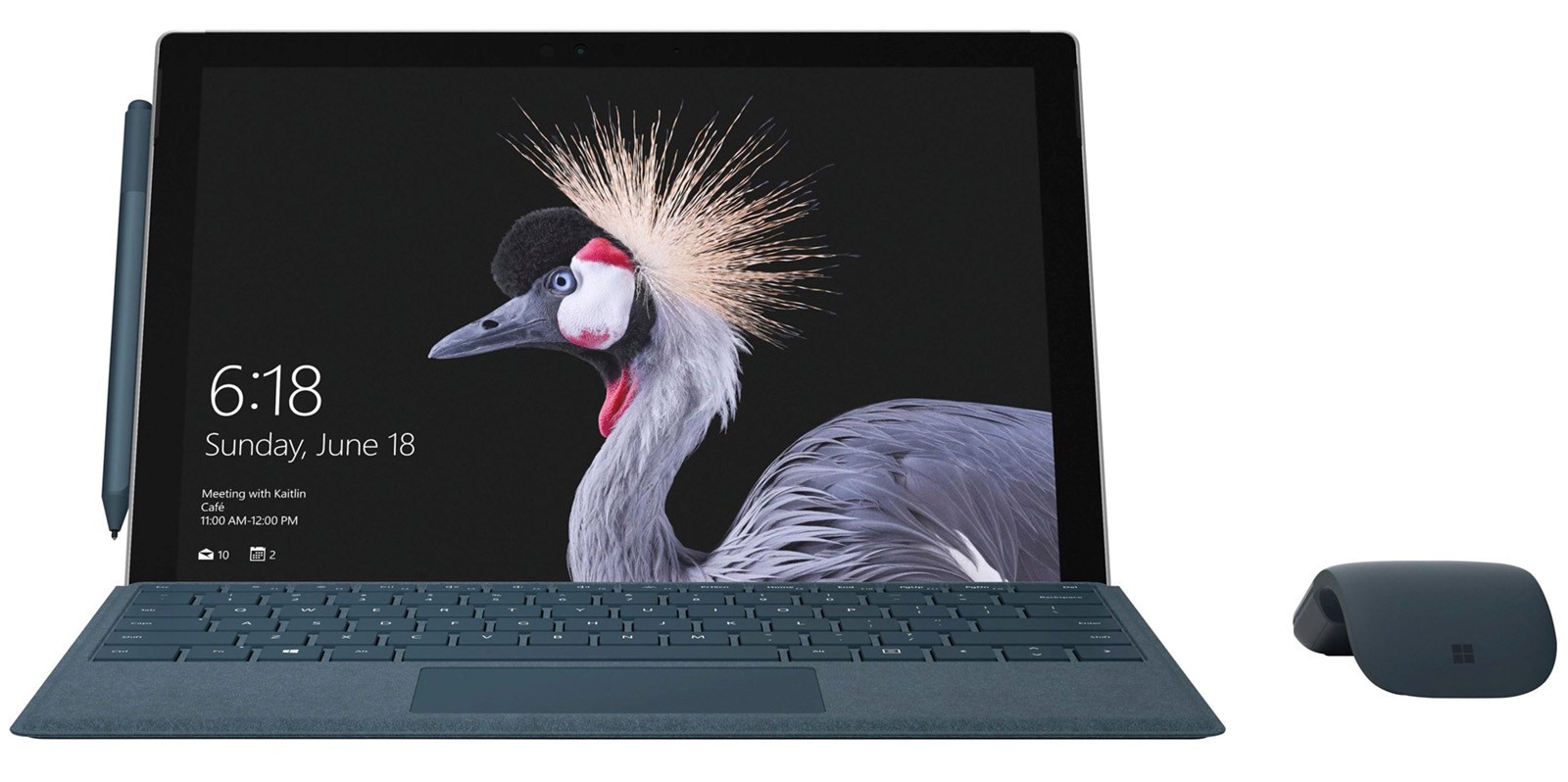 What’s even more attractive is that the Surface Pro is the only 2-in-1 computer that can be purchased with up to an Intel Core i7 processor, 16GB of RAM and 512GB of SSD storage, it really solves the woes of performance and storage that most lightweight laptops currently possess, not to forget to mention that the Surface Pro could easily last up to 13.5 hours on a single charge, which you can easily finish off two blockbusters, complete a serious artwork or working on a slideshow for an entire working day.
Microsoft Surface Book 2 – The Ultimate Professional Laptop that Does More
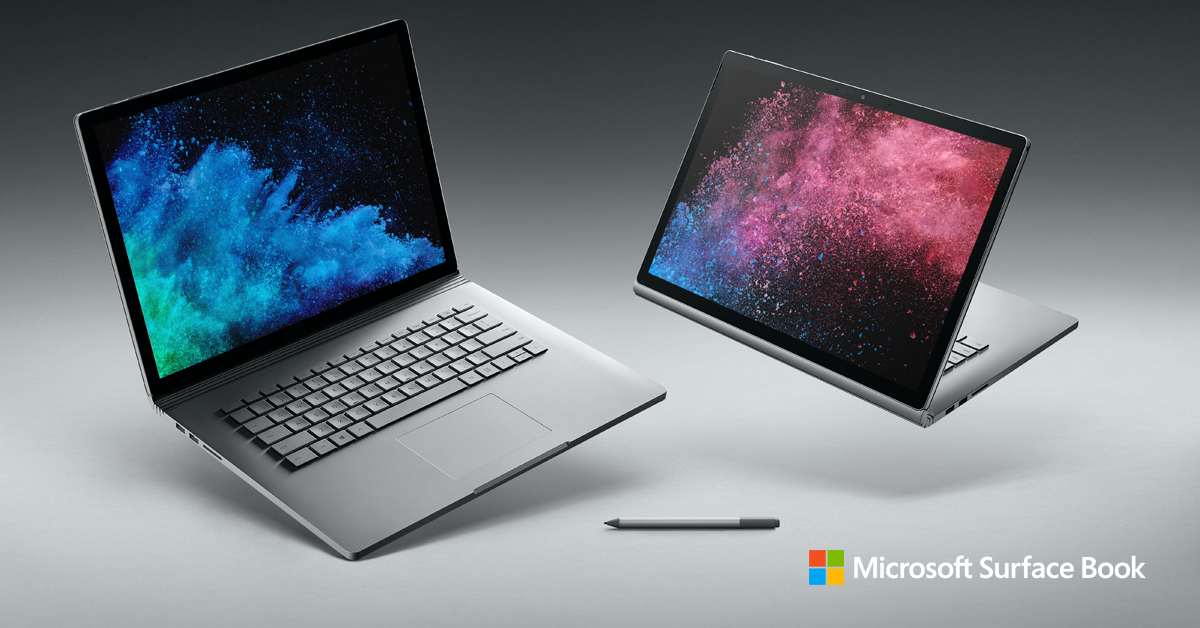 If you love both the Surface Laptop and Surface Pro but require more firepower, the Surface Book 2 is the answer to that as the ultimate professional computer on the go, because not only it sports the versatile form factor that the Surface Pro has, it is also an extremely powerful laptop that comes with either a GeForce GTX 1050 or GeForce GTX 1060 GPU, which lets you run the most demanding games and render 4K videos in a compact and lightweight form factor. Also, the Surface Book 2 is available in two different screen sizes – 13.5” and 15”, and they both support the Surface Pen too.
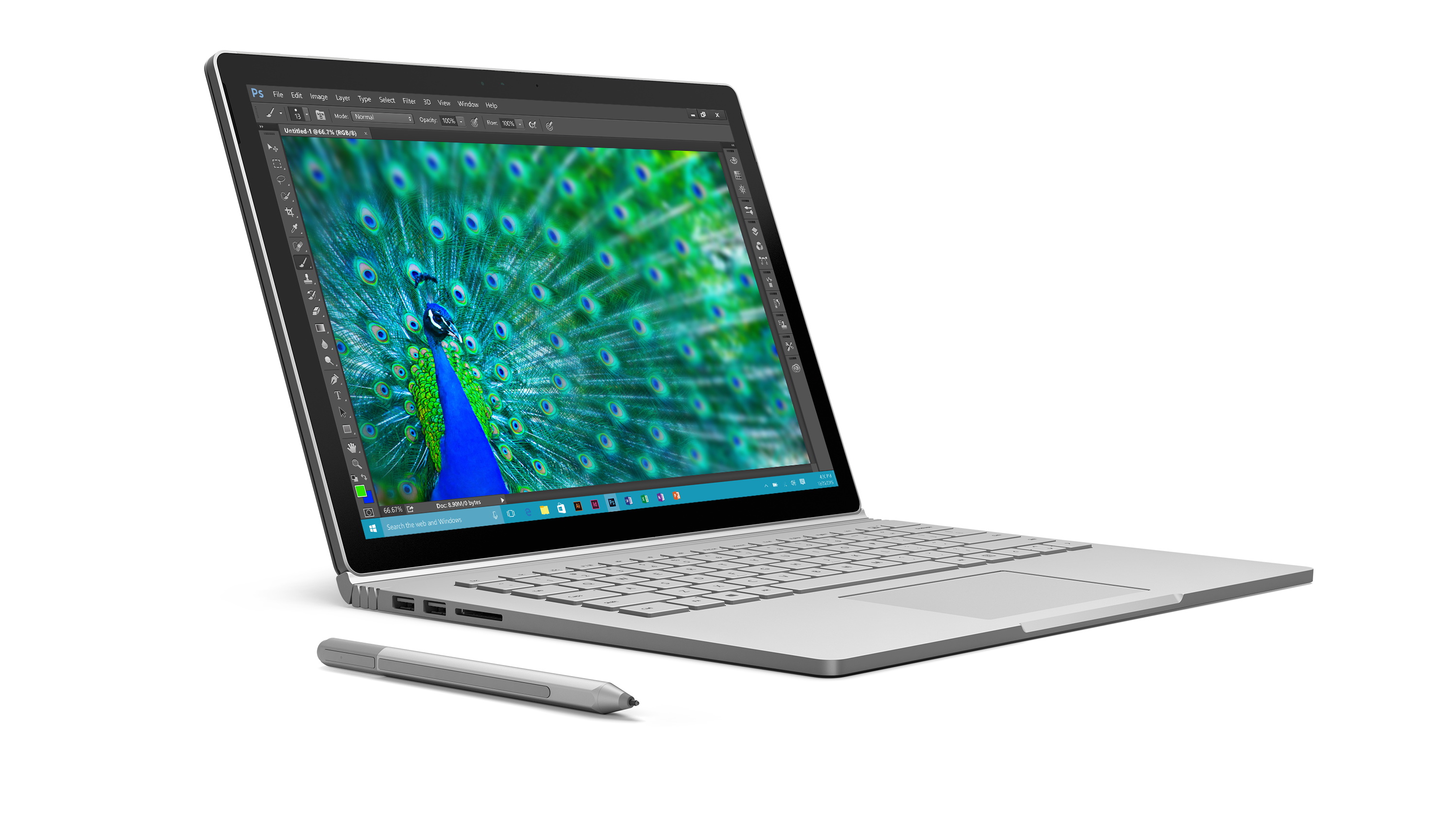 What’s also different about the Surface Book 2 compared to its two other siblings is the increased amount of ports, apart from having two standard USB ports and one USB-C port, it has a full sized SDXC card reader and two Surface Connect ports, which means you won’t actually need a dongle should you need to connect more devices and can also expand more inputs with the optional Surface Dock, which in this case you can actually extend up to five external monitors if you choose to max out the display outputs.
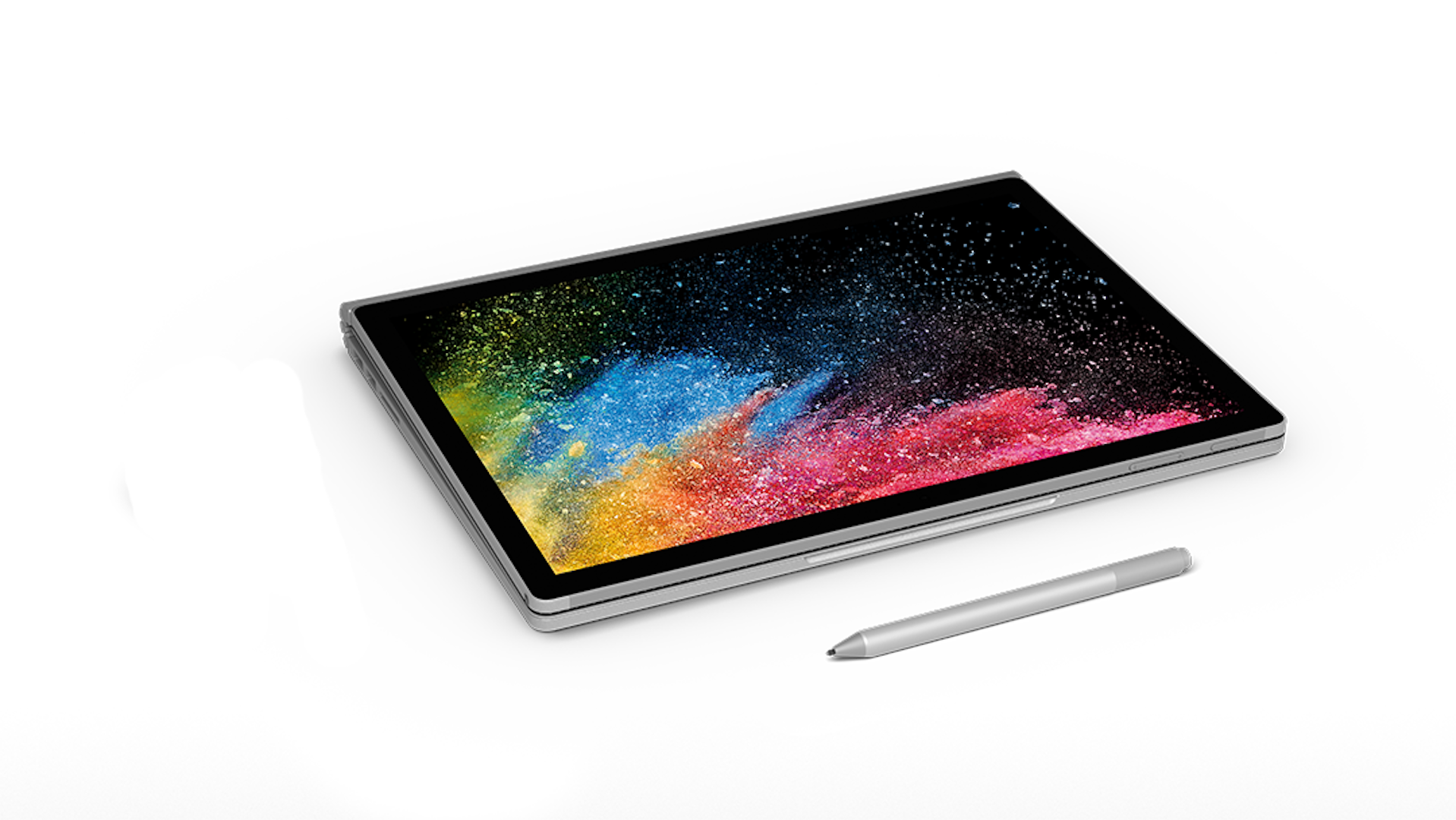 With all of these power demanding features, you would be wrong to think that the Surface Book 2 won’t be able to endure as well as it two other siblings, in fact the Surface Book 2 has the best endurance in the Surface family with up to 17 hours of battery life, that’s double the battery life of other laptops in its range and makes it unrivalled compared to a gaming laptop, which is why the Surface Book 2 is truly the ultimate on the go powerhouse.
The Microsoft Surface Advantage
All Microsoft Surface devices come with a clean installation of Windows 10, which means there’s no additional bloatware preinstalled to slow down your first startup or nasty registration popups, it will also come with a 30-day trial of Office 365 subscription which will cost as affordable as RM27.99/month thereafter. Microsoft has also made the Surface family widely available in retail and online stores, which you can visit the Microsoft Brand Store at Lazada, or resellers such as Harvey Norman, Thunder Match, All IT Hypermarket, SenHeng, SNS Network and PC Image. To learn more on how you can purchase a Microsoft Surface device, visit https://www.microsoft.com/en-my/surface/buy